DevOps
Begineer Friendly
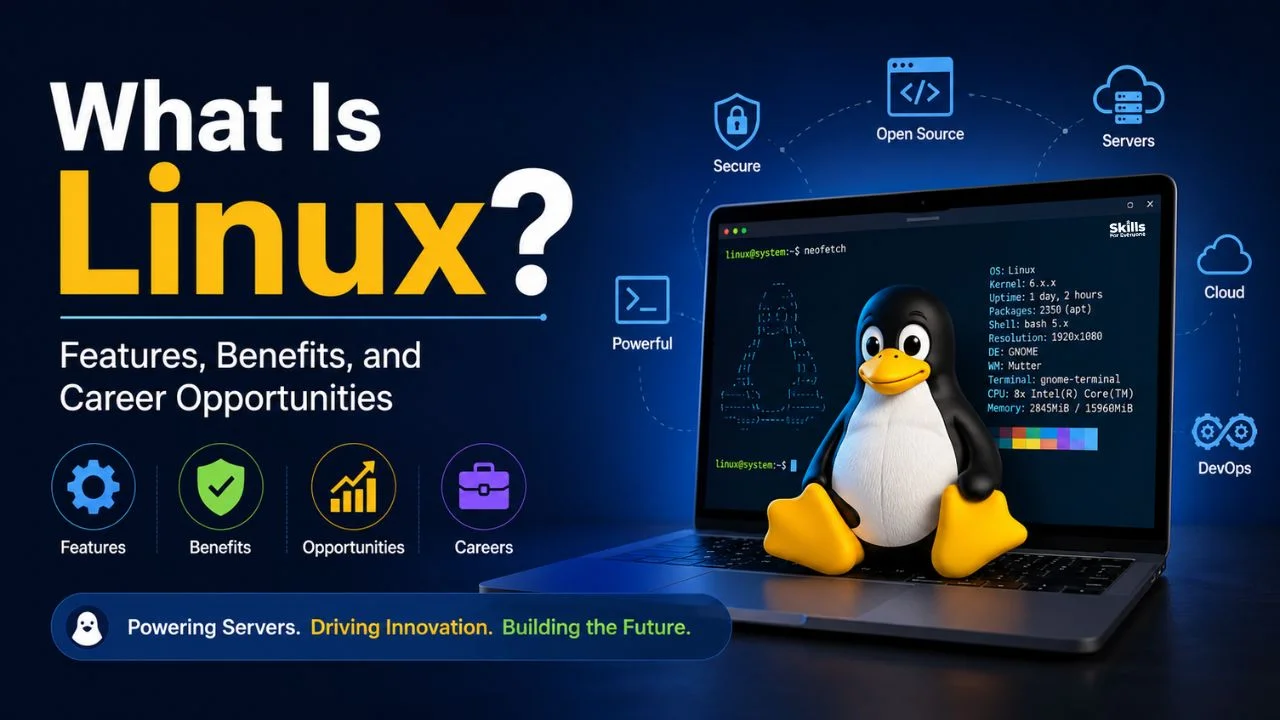
Linux is one of the most important technologies behind modern computing. From web servers and cloud platforms to networking devices, containers, cybersecurity tools, and development environments, Linux powers a wide range of systems used every day. But what is Linux, how does it work, and why is it so valuable for IT professionals?
What Is Linux
Linux is a free, open-source operating system that manages computer hardware and software resources, allowing applications to run and communicate with a machine's hardware. Technically speaking, "Linux" refers to the Linux kernel, the core software that handles memory, processes, and hardware communication.
A complete Linux operating system, often called a Linux distribution, combines the kernel with additional software such as system utilities, a package manager, and often a graphical interface. This distinction matters because beginners often use the word "Linux" to describe an entire system, when in reality the kernel is just one component working alongside many others.
How Linux Works
Understanding Linux becomes easier once you see how its parts work together. The kernel sits closest to the hardware, controlling things like CPU scheduling and memory allocation. Above the kernel sits the shell, a command interpreter that lets users and programs interact with the system through typed commands. Applications run on top of this structure, relying on the kernel and shell to access files, memory, and hardware resources such as network cards or storage drives.
The Linux file system organizes everything, from configuration files to user documents, into a structured hierarchy. This consistency is one reason Linux system administration is so well suited to automation and scripting.
Key Features of Linux
Linux is popular because it combines flexibility, stability, security, and powerful administration capabilities.
Open source allows users and organizations to inspect, modify, and distribute the source code under applicable licenses.
Security provides strong permission and user-management mechanisms that help control access to system resources.
Stability makes Linux suitable for systems that need to operate reliably for extended periods.
Multiuser support allows multiple users to work on the same system with controlled permissions.
Multitasking enables multiple processes and applications to run simultaneously.
Customization allows administrators and developers to configure the environment according to their requirements.
Portability enables Linux to run across a broad range of hardware architectures and devices.
Command-line capabilities provide powerful tools for automation, administration, troubleshooting, and development.
Resource efficiency makes Linux suitable for environments ranging from lightweight systems to large servers.
Benefits of Linux
For individual users, Linux offers a cost-free, flexible alternative to proprietary operating systems. Developers benefit from native support for programming languages, development tools, and container technologies. Businesses appreciate Linux for its reliability and lower licensing costs, especially at scale. For IT professionals, Linux provides a transparent environment where system behavior can be understood, monitored, and optimized in detail.
Popular Linux Distributions
Different Linux distributions are designed around different requirements. Some prioritize ease of use, while others focus on enterprise stability, development, or advanced administration.
Distribution | Common Use | Beginner Friendly |
Ubuntu | Desktops, servers, cloud environments | Yes |
Debian | Servers, stability-focused deployments | Moderate |
Fedora | Development, testing newer technologies | Moderate |
Red Hat Enterprise Linux | Enterprise servers, business-critical systems | No |
Where Linux Is Used
Linux runs a significant share of the world's web and enterprise servers due to its stability and security. In cloud computing, major providers rely heavily on Linux-based infrastructure. It is foundational to DevOps practices, where automation, scripting, and container technologies like Docker and Kubernetes depend on Linux environments.
Cybersecurity professionals use Linux for penetration testing, monitoring, and building secure systems. Network engineers configure and manage Linux-based routers, firewalls, and network services. Software developers use Linux for coding, testing, and deployment, while embedded systems in devices like routers and IoT hardware often run lightweight Linux builds.
Linux vs Windows
Linux and Windows both provide capable operating environments, but they differ in their design and common usage patterns.
Factor | Linux | Windows |
Licensing | Free and open source | Commercial license required |
Customization | Highly customizable | Limited customization |
Command Line | Central to daily use | Available, less central |
Software Compatibility | Strong for servers and development tools | Strong for mainstream desktop software |
Common Use Cases | Servers, cloud, DevOps, cybersecurity | Desktops, business applications, gaming |
Neither operating system is universally better. The right choice depends on the user's requirements, applications, technical environment, and organizational needs.
Linux Career Opportunities
Linux skills support several IT career paths. A Linux system administrator manages servers, user accounts, and system performance. A Linux engineer designs and maintains Linux-based infrastructure at a larger scale.
DevOps engineers use Linux daily for scripting, automation, and managing containerized applications. Cloud engineers rely on Linux to configure and maintain cloud-based virtual machines and services. Cybersecurity professionals use Linux for security testing and system hardening, while network engineers use it to manage networking equipment and services. Site reliability engineers use Linux to monitor and maintain system uptime and performance.
Linux knowledge does not guarantee a specific job or salary, but it is widely considered a valuable, practical skill across many IT specialties.
How to Start Learning Linux
Choose a beginner-friendly Linux distribution, such as Ubuntu.
Learn basic Linux commands for file management and navigation.
Understand files, permissions, processes, and users.
Practice networking fundamentals, including IP addressing and DNS basics.
Work with servers and virtual machines to gain hands-on experience.
Build practical projects, such as setting up a personal web server.
Explore relevant certifications or structured Linux training to validate your skills.
Conclusion
Linux is far more than a niche operating system. It is a foundational technology behind modern servers, cloud platforms, DevOps workflows, and cybersecurity practices. Understanding what Linux is, how it works, and where it is used gives IT professionals a meaningful advantage. Whether you are just starting to explore the command line or planning a career in system administration or cloud engineering, developing solid Linux skills is a practical step toward long-term growth in technology.
FAQs
What is Linux used for?
Linux is used for servers, cloud computing, software development, cybersecurity, networking, and embedded devices, along with everyday desktop computing.
What are the main features of Linux?
Key features include open-source architecture, strong security, stability, multiuser and multitasking support, customization, portability, and powerful command-line tools.
What are the benefits of Linux?
Linux offers cost savings, flexibility, strong security, and reliable performance, making it valuable for individuals, developers, and businesses alike.
What are Linux distributions?
Linux distributions are complete operating systems built around the Linux kernel, bundled with system tools, package managers, and often a desktop environment.
Is Linux good for a career?
Linux skills are valuable across many IT roles, particularly in system administration, DevOps, cloud computing, and cybersecurity.
What jobs can you get with Linux skills?
Common roles include Linux system administrator, Linux engineer, DevOps engineer, cloud engineer, cybersecurity professional, and network engineer.
Do I need certification to work with Linux?
Certification is not always required, but structured Linux training or certification can help demonstrate practical skills to employers.