Networking
Begineer Friendly
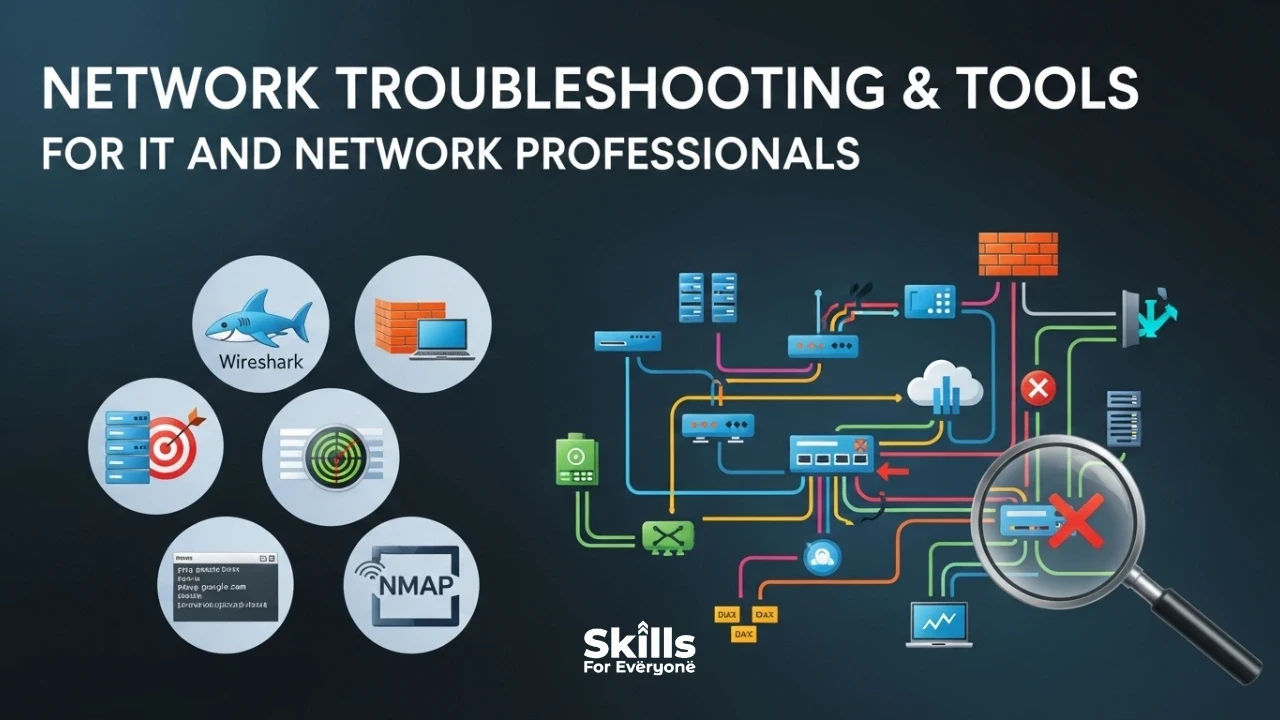
When a network goes down, every second counts. Whether you're a seasoned network engineer managing enterprise infrastructure or an IT generalist troubleshooting a slow office Wi-Fi connection, having the right toolkit — and knowing how to use it — can mean the difference between a five-minute fix and a five-hour outage. That’s why learning these essential skills through a ccna certification course online can help you diagnose, analyze, and resolve network issues more efficiently in real-world environments..
What Is Network Troubleshooting?
Network troubleshooting is the systematic process of identifying, diagnosing, and resolving problems within a computer network. These problems can range from complete connectivity failures to subtle performance degradation — slow page loads, dropped VoIP calls, or intermittent Wi-Fi drops that drive users (and IT staff) crazy.
At its core, effective troubleshooting follows a structured methodology. Most experienced professionals rely on the OSI (Open Systems Interconnection) model as a framework — working from the physical layer (cables, hardware) up through the application layer (software and services) to pinpoint where things have gone wrong.
The 5-Step Troubleshooting Framework Every IT Pro Should Know
Before diving into specific tools, it helps to have a reliable process. Here's the framework used by network professionals worldwide:
1. Define the Problem: Get specific. Is it one user or everyone? One application or all traffic? Is the issue consistent or intermittent? The more precisely you define the problem, the faster you'll find the solution.
2. Gather Information: Collect logs, check monitoring dashboards, and talk to affected users. Ask when it started and what changed recently — a new firmware update, a configuration change, or a recently added device are common culprits.
3. Identify Possible Causes: Generate a list of likely causes based on your evidence. Use the OSI model to structure your thinking, starting from the physical layer and moving up.
4. Test and Eliminate: Test your hypotheses one at a time. Change one variable, observe the result, and document what you find. Avoid making multiple changes at once — it makes it impossible to know what actually fixed (or worsened) the issue.
5. Resolve and Document: Once the fix is confirmed, document everything: the root cause, the solution, and any preventive measures taken. This knowledge base becomes invaluable for future incidents.
Essential Network Troubleshooting Tools
The right tool makes all the difference. Here's a breakdown of the most widely used network troubleshooting tools, what they do, and when to use them.
1. Built-In Command-Line Tools (Free & Always Available)
These tools come pre-installed on virtually every operating system and should be the first ones you reach for:
Ping: Tests basic connectivity between two hosts. If ping fails, you know there's a Layer 3 (network) problem or the target host is unreachable.
Traceroute / Tracert: Maps the path packets take from your machine to a destination, showing each router hop and its response time. Invaluable for identifying where in the network a failure or bottleneck occurs.
ipconfig / ifconfig / ip: Displays your device's network configuration — IP address, subnet mask, default gateway, and DNS server. The starting point for any local connectivity issue.
nslookup / dig: Tests DNS resolution. If a website loads via IP but not by domain name, DNS is your culprit. These tools confirm whether your DNS server is responding correctly.
netstat / ss: Shows active network connections, listening ports, and routing tables. Useful for identifying whether a service is running, what port it's using, and whether unusual connections exist.
2. Packet Analysis Tools
When you need to see exactly what traffic is flowing across your network, packet analysis tools are essential.
Wireshark: The gold standard for packet capture and analysis. Wireshark captures live network traffic and lets you inspect every packet in granular detail. It's invaluable for diagnosing protocol issues, security incidents, and application-layer problems. The learning curve is steep, but its display filters and protocol decoders make it incredibly powerful.
tcpdump: A command-line alternative to Wireshark. Lightweight and perfect for remote servers where a GUI isn't available. Many professionals capture with tcpdump and analyze the output in Wireshark.
3. Network Scanning & Mapping Tools
Nmap (Network Mapper): One of the most powerful and versatile tools in any network professional's kit. Nmap scans networks to discover live hosts, open ports, running services, and operating systems. It's used for inventory management, security auditing, and troubleshooting connectivity issues between specific hosts and services.
Advanced IP Scanner / Angry IP Scanner: User-friendly GUI-based tools for quickly scanning IP ranges and discovering active devices on a local network. Perfect for identifying rogue devices, checking for IP conflicts, and maintaining accurate network inventories.
4. Bandwidth & Performance Monitoring Tools
PRTG Network Monitor: A comprehensive monitoring platform that tracks bandwidth usage, device uptime, CPU/memory loads, and more. Its customizable dashboards and alerting make it a favorite in enterprise environments.
SolarWinds Network Performance Monitor (NPM): An enterprise-grade monitoring solution offering deep visibility into network health, device performance, and traffic flows. Particularly strong for large, complex environments with multi-vendor hardware.
iperf3: A command-line tool for measuring maximum achievable bandwidth between two endpoints. Crucial for benchmarking links and verifying that a circuit is delivering its promised throughput after an ISP fix or hardware change.
ntopng: A web-based traffic analyzer that provides real-time visibility into who's using your bandwidth and what applications are consuming the most resources.
Common Network Problems and How to Approach Them
Knowing which tool to use is only half the battle. Here's how to apply them against the most common network complaints IT professionals encounter:
"The internet is slow"
Start with iperf3 to test raw link speed. Use ntopng or PRTG to check for bandwidth hogs. Run traceroute to see if latency is spiking at a particular hop. Check for duplex mismatches using your switch's management interface.
"I can't connect to the VPN"
Verify basic internet connectivity with ping. Check firewall rules and ensure the VPN ports aren't blocked. Use nslookup to confirm DNS is resolving the VPN gateway. Review VPN logs for authentication or certificate errors.
"A website isn't loading"
Use ping and traceroute to check reachability. Run nslookup to verify DNS resolution. Test with curl or a browser developer tool to see if the server is responding with an error code. Wireshark can reveal TLS handshake failures or TCP resets.
"Users keep dropping off the Wi-Fi"
Check for RF interference with Wi-Fi analyzer tools like NetSpot or inSSIDer. Verify DHCP lease pool isn't exhausted. Check AP logs for authentication failures or deauthentication events. Consider client load balancing across access points.
Pro Tips from Experienced Network Engineers
Document your baseline. You can't know what's abnormal unless you know what normal looks like. Capture regular performance metrics during healthy operation so you have a reference point during incidents.
Automate repetitive checks. Tools like Ansible or Python scripts with the Netmiko library can automate configuration audits and routine checks across dozens of devices simultaneously.
Never underestimate physical issues. A surprising number of mysterious network problems trace back to a faulty cable, a bent RJ45 connector, or a failing SFP transceiver. Always rule out physical causes first.
Use network diagrams. An accurate, up-to-date topology diagram is worth its weight in gold during an outage. Tools like draw.io, Lucidchart, or dedicated network documentation platforms keep this manageable.
Correlate events with change management. Most outages follow a change. Integrate your troubleshooting workflow with your change management system so you can quickly identify what changed and when.
Network troubleshooting is part science, part art. The science comes from understanding protocols, the OSI model, and knowing which tool fits which situation. The art comes from experience — pattern recognition built over hundreds of incidents. Start with a solid methodology, build your toolkit from the essentials outward, and always document what you learn.
Whether you're just starting out in IT or you've been managing networks for decades, the fundamentals never change: define the problem clearly, gather good data, test methodically, and never stop learning. The network never stops evolving — and neither should your troubleshooting skills.